| 🔐 For security reasons, our teams do not have access to your password. We will therefore not have the opportunity to send it back to you. |
But we've got this covered for you. You can create a new one directly from the site or the mobile application. It will allow you to log in to your account and access your money pots.
⚙️ To reset your password:
1️⃣ Click the login icon in the top-right corner ;
;
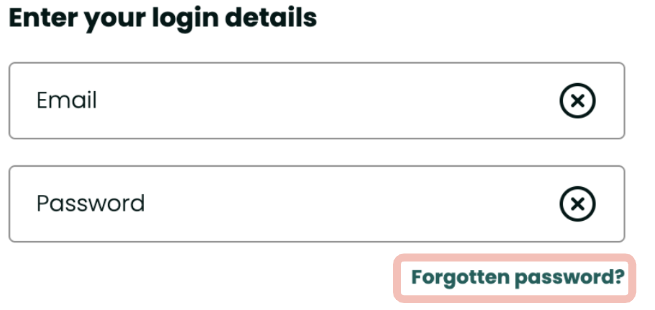
2️⃣ Click on Forgotten password? in the center of the page;
3️⃣ Enter your email address;
4️⃣ You should have already received an email from us containing a link to reset your password (at the address corresponding to your Leetchi account);
5️⃣ Click on the link embedded in the email;
6️⃣ Create your new password and enter it a second time to confirm it;
7️⃣ Click on Save.
| 💡 For security reasons, a password on Leetchi must contain at least 8 characters, including one uppercase, one lowercase, one number and one special character (a punctuation sign, for example). |
🎯 If you are having trouble resetting your password, here are some additional tips:
- Use the Chrome browser and make sure it is up to date;
- Do not use a work computer to carry out the process;
- Make sure the email address is not misspelled;
- Check that there is no space before or after the email address entered.
If you have clicked on I forgot my password, and you have not received an email (even in your spam), remember to check the accuracy of the email address associated with your account in the Personal information section of your account. If a rectification is necessary, check this article for more information.