To change the phone number associated with your account, here are the steps to follow:
1️⃣ Log in to your Leetchi account;
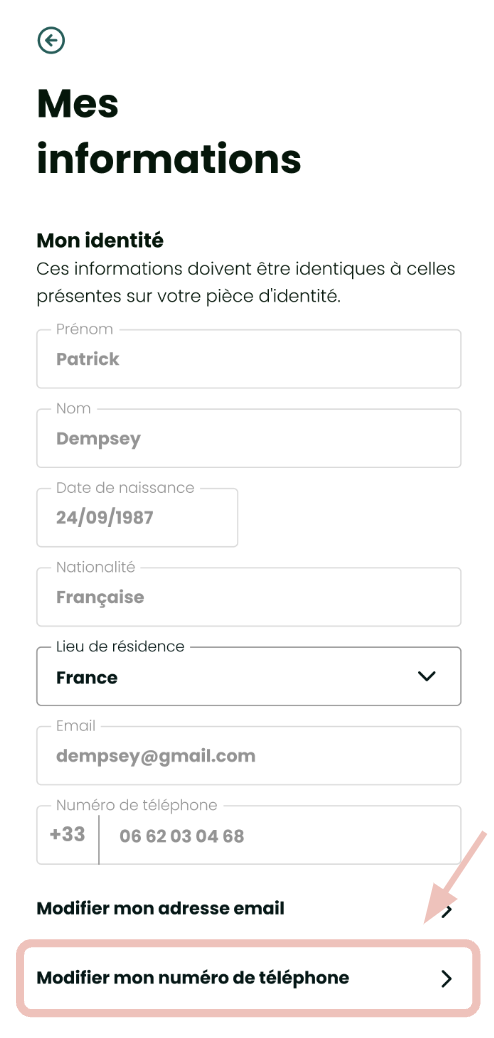
2️⃣ Go to the My Information section of your account;
3️⃣ At the bottom of the page, click on Change my phone number ;
4️⃣ On the new page, enter the new phone number as well as your password (security required!);
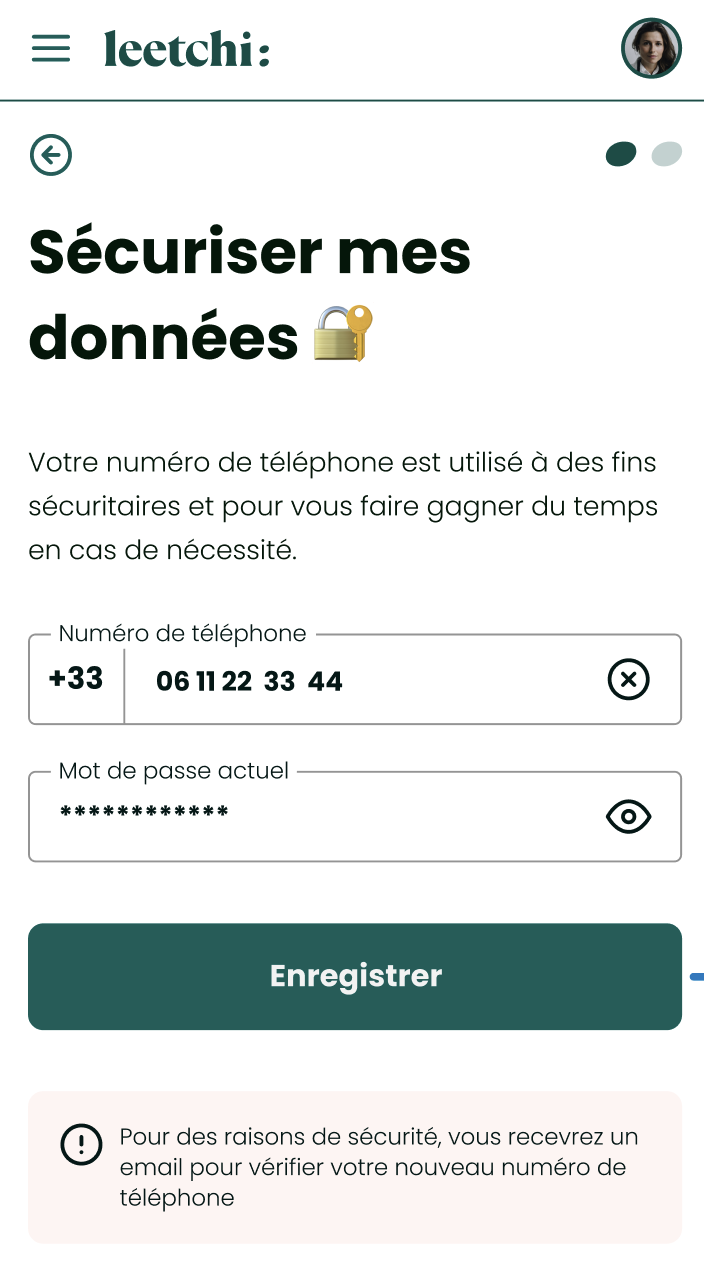
5️⃣ Confirm the change using the verification code sent to you by email.
| 📧 Any comments or questions? Contact us here. |